
Nostr Wallet Connect
Lightning wallet integration via the NWC protocol.
Connect any NWC-enabled wallet to ZapTracker for seamless payments.

What is NWC?
Nostr Wallet Connect (NWC) is a protocol that allows applications to communicate with Lightning wallets through Nostr relays. It enables:
- Checking wallet balance
- Sending payments
- Creating invoices
- Listing transactions
All without the wallet needing to expose direct APIs.
How It Works
┌─────────────┐         ┌─────────────┐         ┌─────────────┐
│  ZapTracker │  ←───→  │ Nostr Relay │  ←───→  │   Wallet    │
│   (Client)  │         │             │         │   (Server)  │
└─────────────┘         └─────────────┘         └─────────────┘
Wallet creates connection
Generates NWC URL with keys
Client connects
Uses URL to establish encrypted channel
Communication
Requests/responses via Nostr events
Encryption
All messages encrypted between client and wallet
NWC URL Format
nostr+walletconnect://<wallet_pubkey>?
  relay=<relay_url>&
  secret=<client_secret>&
  lud16=<lightning_address>
Components:
wallet_pubkey- Wallet's public keyrelay- Relay URL for communicationsecret- Client's private key for encryptionlud16- Optional Lightning address
Supported Methods
get_balance
Get current wallet balance.
Request:
json
{
  "method": "get_balance"
}
Response:
json
{
  "result_type": "get_balance",
  "result": {
    "balance": 100000
  }
}
pay_invoice
Pay a Lightning invoice.
Request:
json
{
  "method": "pay_invoice",
  "params": {
    "invoice": "lnbc..."
  }
}
Response:
json
{
  "result_type": "pay_invoice",
  "result": {
    "preimage": "..."
  }
}
make_invoice
Create a new invoice.
Request:
json
{
  "method": "make_invoice",
  "params": {
    "amount": 1000,
    "description": "Payment for services"
  }
}
Response:
json
{
  "result_type": "make_invoice",
  "result": {
    "invoice": "lnbc..."
  }
}
list_transactions
Get transaction history.
Request:
json
{
  "method": "list_transactions",
  "params": {
    "limit": 10
  }
}
Implementation in ZapTracker
Connection
javascript
import { nwc } from '@getalby/sdk'

async function connectWallet(nwcUrl) {
  const client = new nwc.NWCClient({
    nostrWalletConnectUrl: nwcUrl
  })

  await client.enable()

  return client
}
Get Balance
javascript
async function getBalance(client) {
  const response = await client.getBalance()
  return response.balance // in millisats
}
Send Payment
javascript
async function sendPayment(client, invoice) {
  const response = await client.payInvoice({ invoice })
  return response.preimage
}
Create Invoice
javascript
async function createInvoice(client, amount, description) {
  const response = await client.makeInvoice({
    amount: amount * 1000, // convert sats to millisats
    description
  })
  return response.invoice
}
Error Handling
javascript
async function safePayment(client, invoice) {
  try {
    const result = await client.payInvoice({ invoice })
    return { success: true, preimage: result.preimage }
  } catch (error) {
    if (error.code === 'INSUFFICIENT_BALANCE') {
      return { success: false, error: 'Not enough funds' }
    }
    if (error.code === 'PAYMENT_FAILED') {
      return { success: false, error: 'Payment could not be completed' }
    }
    if (error.code === 'RATE_LIMITED') {
      return { success: false, error: 'Too many requests, try again later' }
    }
    throw error
  }
}
Compatible Wallets
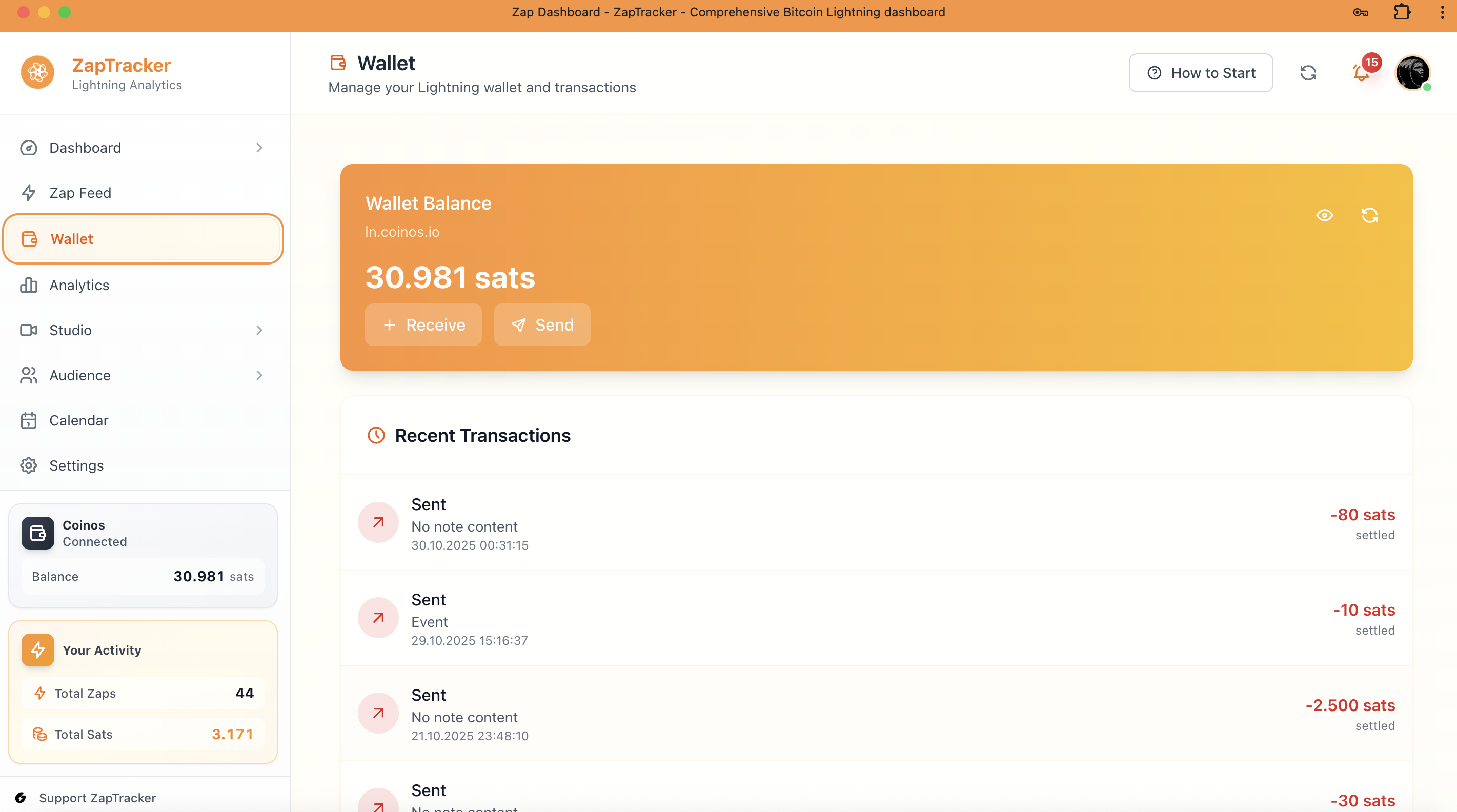
Supported Wallets
Alby Browser extension + hosted wallet
Mutiny Self-custodial, web-based
Coinos Custodial, easy onboarding
LNBits Self-hosted, modular
Security Best Practices
Connection Security
- Use dedicated connections - One per app
- Set spending limits - Restrict amounts
- Set expiration - Time-limited connections
- Revoke when not needed - Clean up old connections
Client-Side Security
- Store securely - Don't expose NWC URL
- Validate responses - Check for tampering
- Handle errors gracefully - Don't leak info
User Guidance
Recommend users:
- Use separate "hot" wallet for NWC
- Set reasonable daily limits
- Review connected apps periodically
- Revoke unused connections
ZapTracker NWC Flow
Paste NWC URL
Parse & Validate
Connect to Relay
Verify (get_balance)
Store Encrypted
Enable Features
Troubleshooting
Connection Failed
- Check NWC URL is complete
- Verify relay is accessible
- Ensure wallet app is running
Balance Not Updating
- Wallet might cache balance
- Try disconnecting/reconnecting
- Check wallet app directly
Payments Failing
- Verify sufficient balance
- Check spending limits
- Ensure invoice is valid